

星火自动驾驶大赛赛事集锦--减速带通行场景
2024-04-17 12:31782540
相关练习赛:
https://apollo.baidu.com/community/competition/29
启动dreamview并观察默认代码下车辆通过减速带区域的仿真效果。
(1)在终端中,执行DreamView启动指令,执行成功后,打开浏览器输入(http://localhost:8888/)进入dremview中。
aem bootstrap start --plus

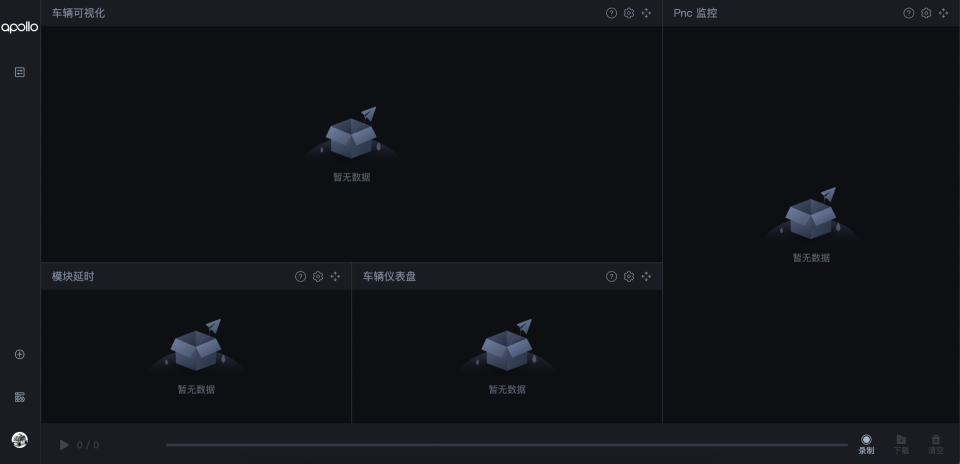
当出现如下,即表示dreamview启动成功了。
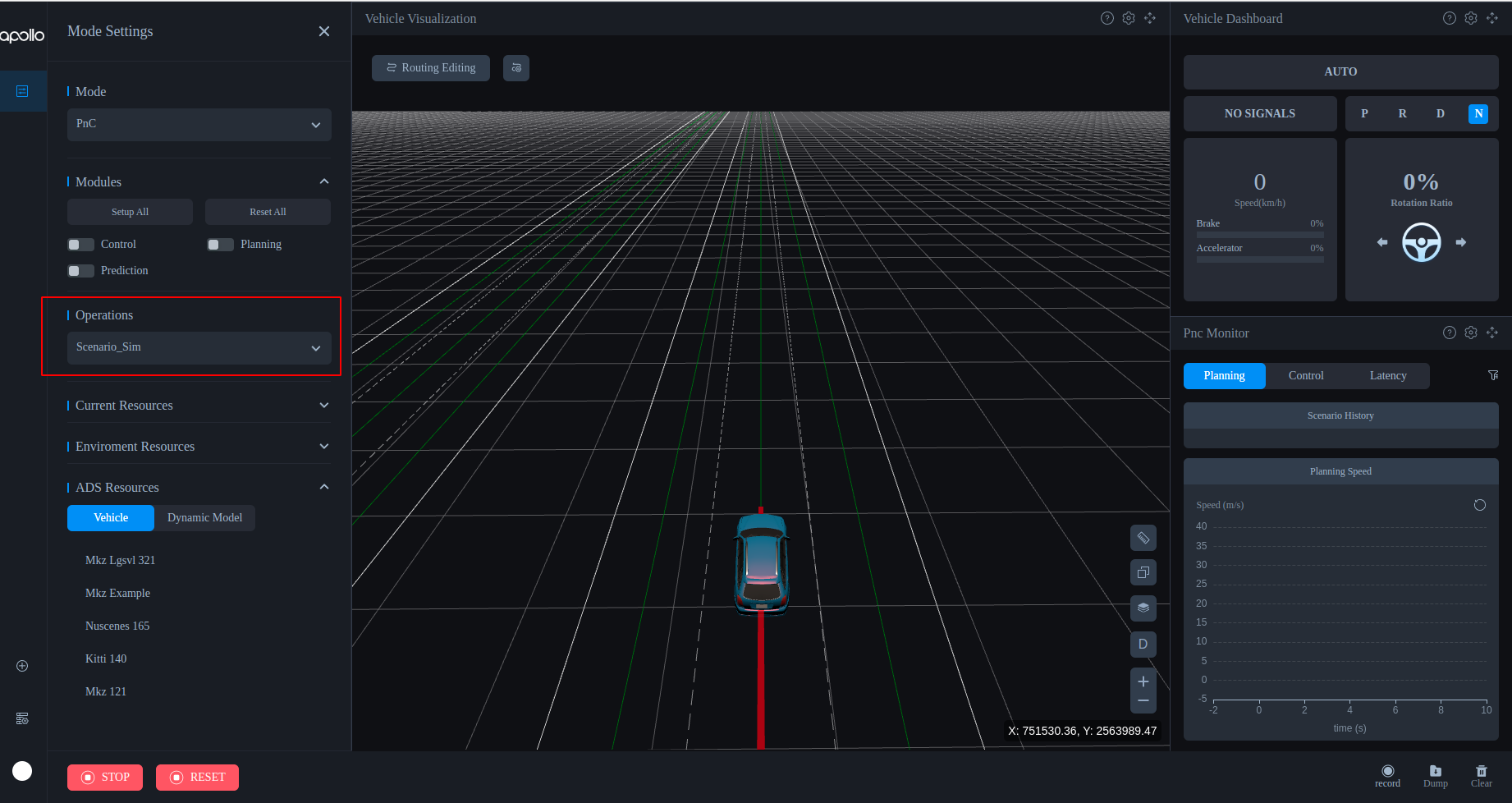
(2)左侧导航栏打开Mode Setting面板,模式选择PnC Mode,操作选择Scenario_sim,进入仿真模式。
减速带场景配置实践实验流程:
选择人行道通行场景:
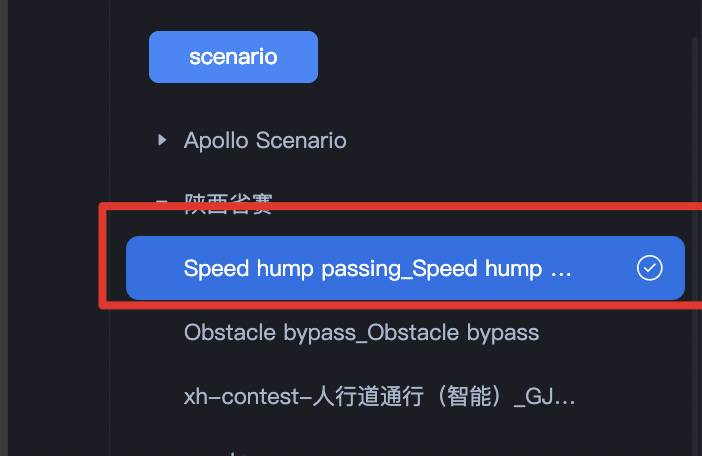
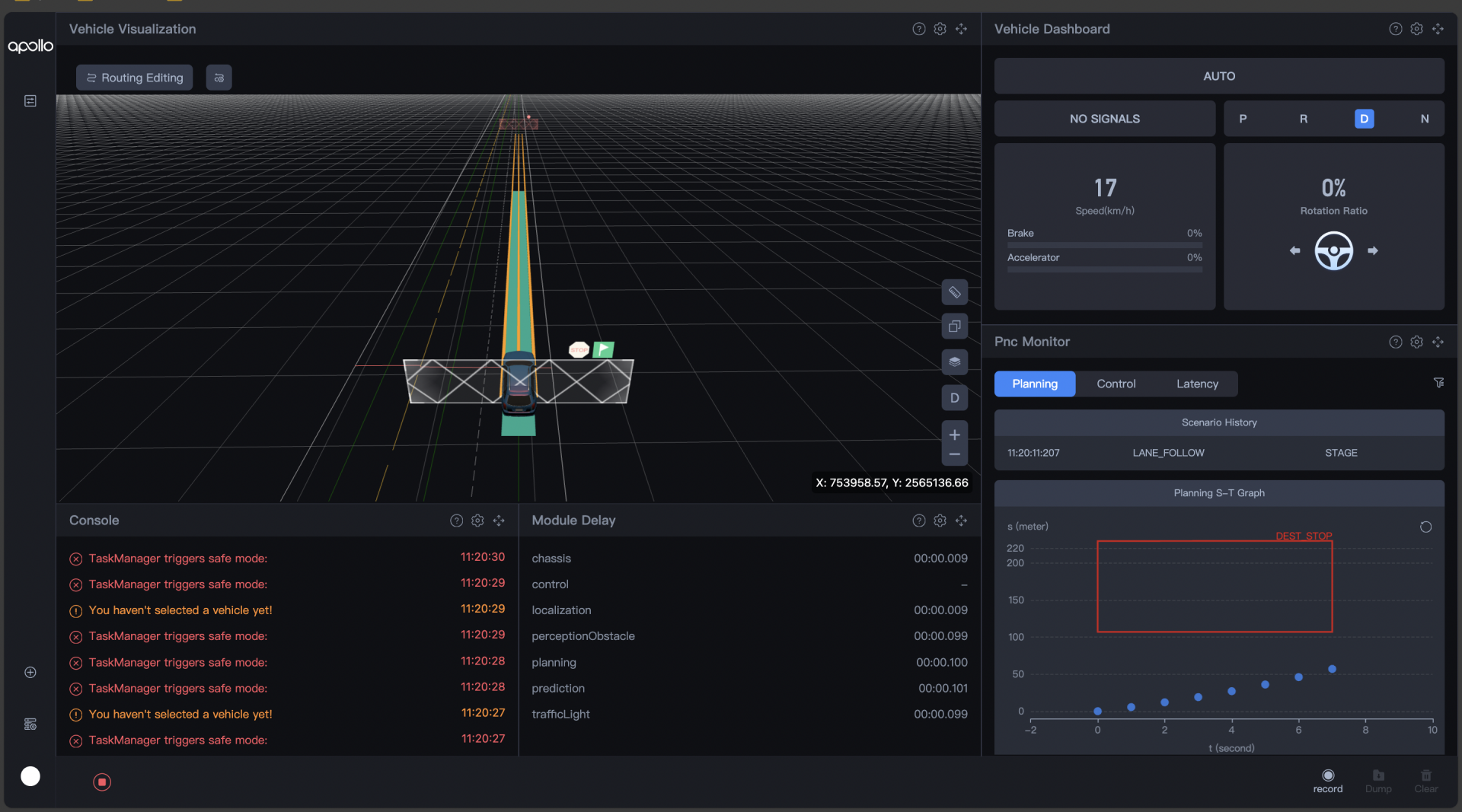
原始配置参数仿真:
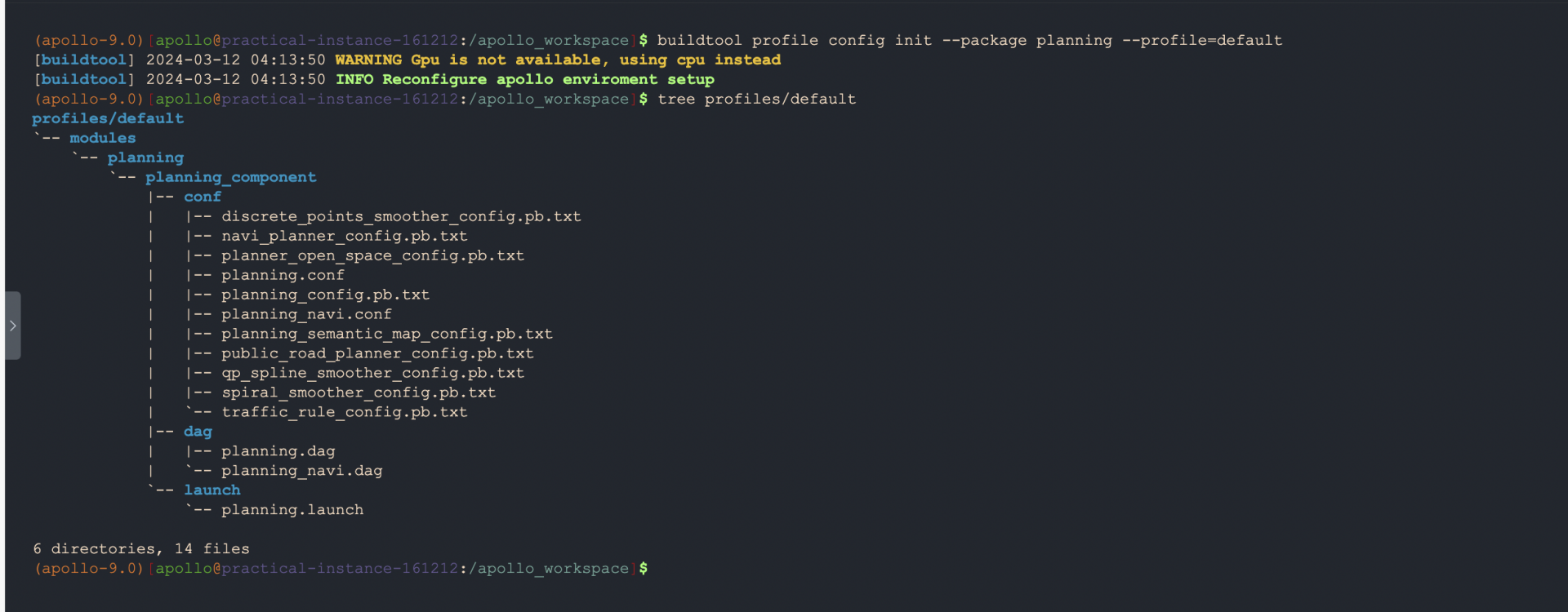
在终端界面中,输入配置参数同步指令到profile下的default目录下
相关指令:
buildtool profile config init --package planning --profile=default
使用default配置参数
aem profile use default
相关目录结构
查看目录结构指令:
tree profiles/default
profiles/`-- default`-- modules`-- planning`-- planning_component|-- conf| |-- discrete_points_smoother_config.pb.txt| |-- navi_planner_config.pb.txt| |-- planner_open_space_config.pb.txt| |-- planning.conf| |-- planning_config.pb.txt| |-- planning_navi.conf| |-- planning_semantic_map_config.pb.txt| |-- public_road_planner_config.pb.txt| |-- qp_spline_smoother_config.pb.txt| |-- spiral_smoother_config.pb.txt| `-- traffic_rule_config.pb.txt|-- dag| |-- planning.dag| `-- planning_navi.dag`-- launch`-- planning.launch
减速带配置实践
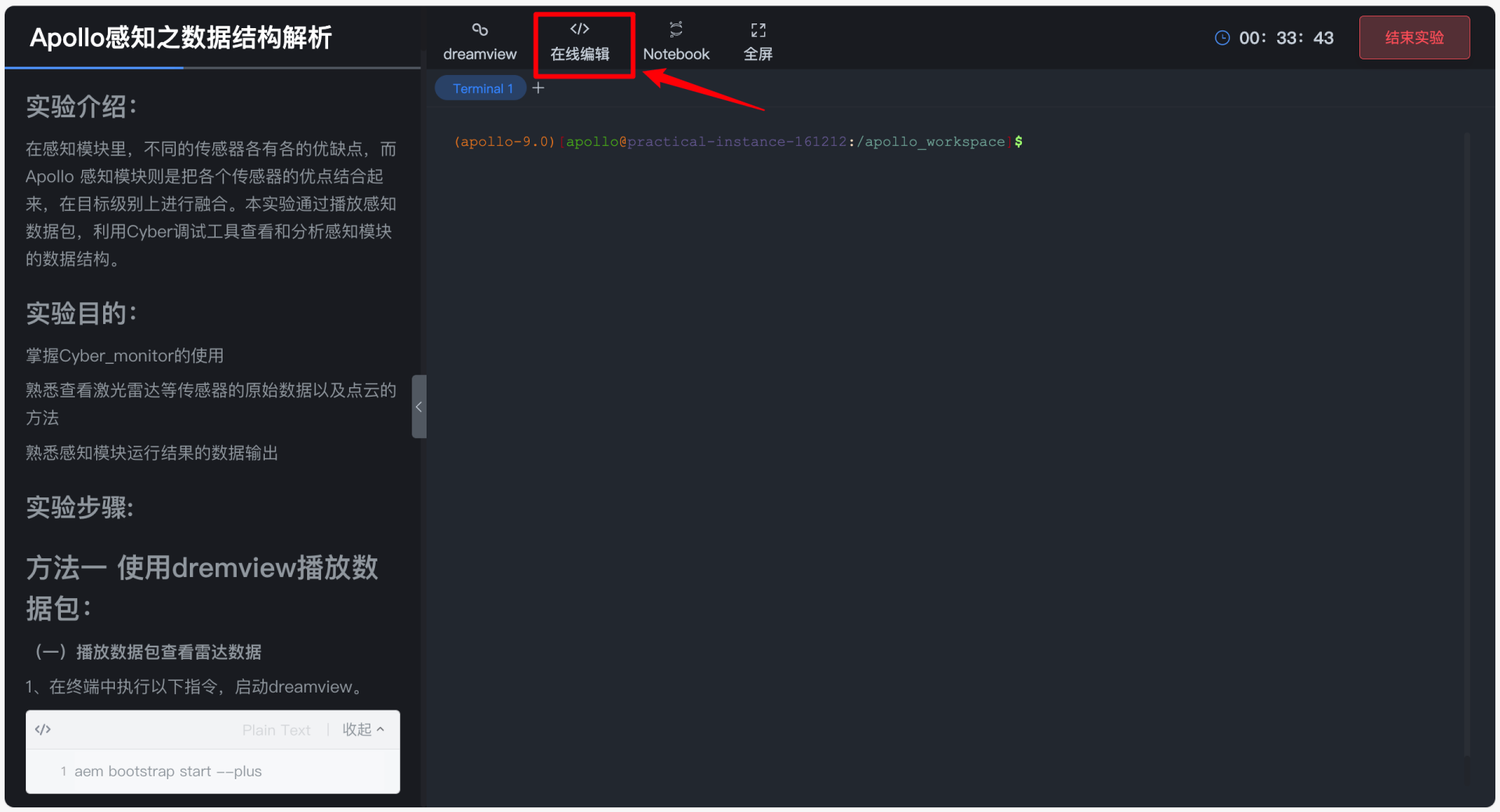
在云实验终端界面点击在线编辑
打开相应文件路径:
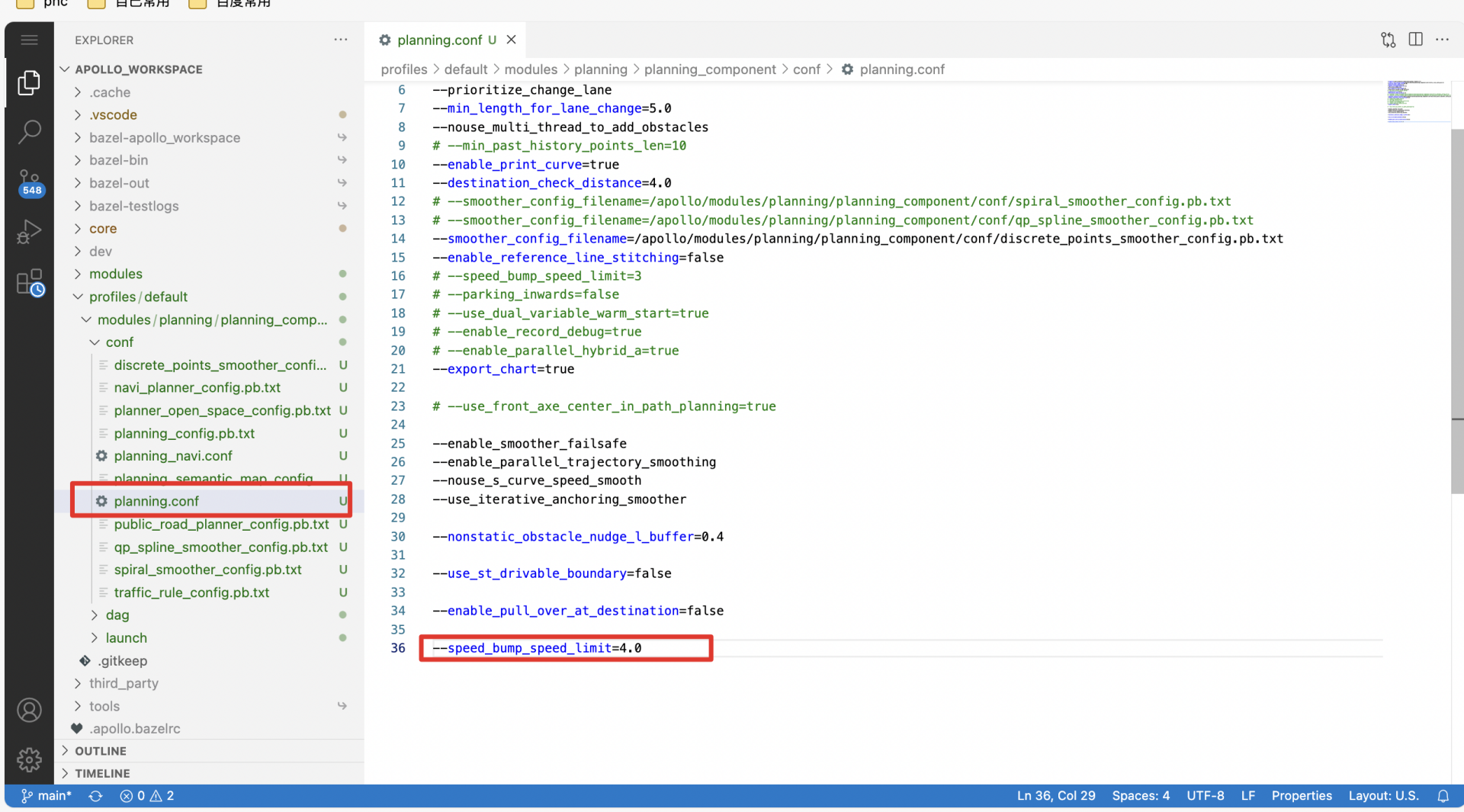
profiles/default/modules/planning/planning_component/conf/planning.conf
修改相关配置文件:
#添加配置参数--speed_bump_speed_limit=4.0
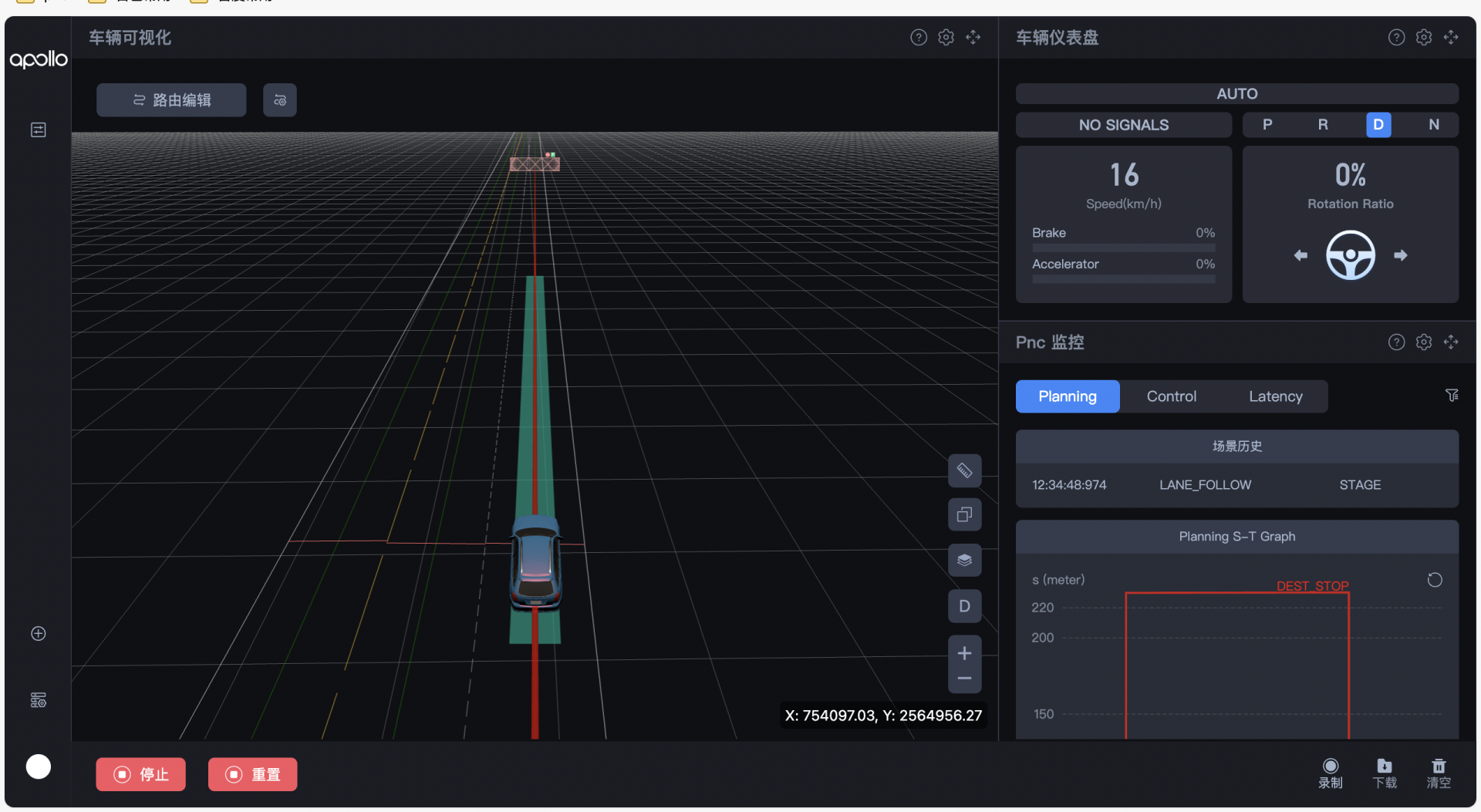
回到dreamview 查看仿真现象:
选择模式为:PnC,启动模块:planning、prediction,选择操作为:Scenario_Sim,

选择相应仿真场景后,点击左下角的开始按钮

查看通过减速带时的仿真现象
原创声明,本文由作者授权发布于Apollo开发者社区,未经许可,不得转载。
发表评论已发表 0 条评论
登录后可评论,请前往 登录
暂无评论~快去发表自己的独特见解吧!

目录
相关练习赛:
启动dreamview并观察默认代码下车辆通过减速带区域的仿真效果。