apollo_logo
2
0

Ai studio训练centerpoint+apolloscape

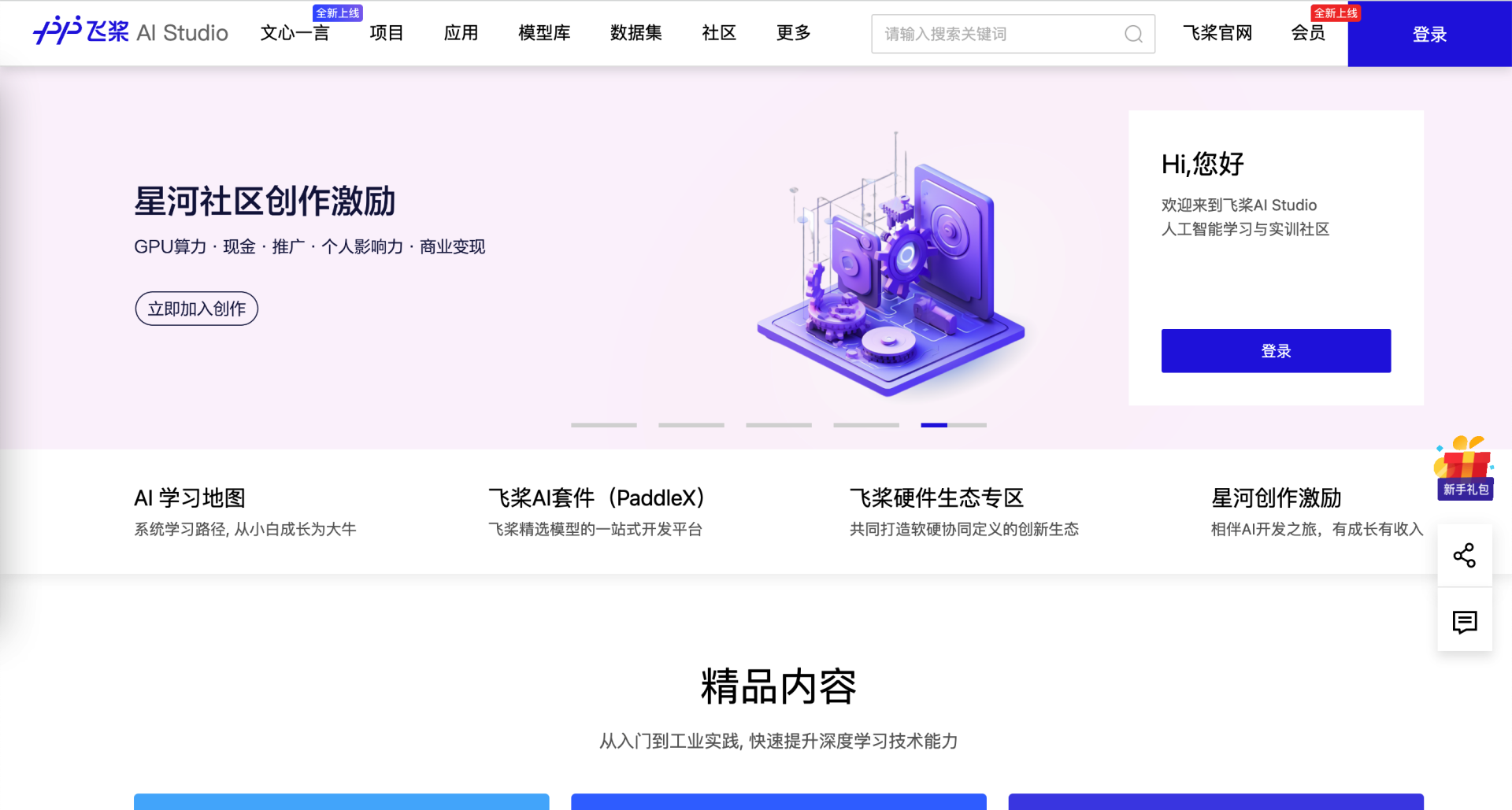
进入飞桨AI Studio星河社区-人工智能学习与实训社区网站,右上角登录

进入项目【感知赛事】使用ApolloScape数据集训练CenterPoint - 飞桨AI Studio星河社区
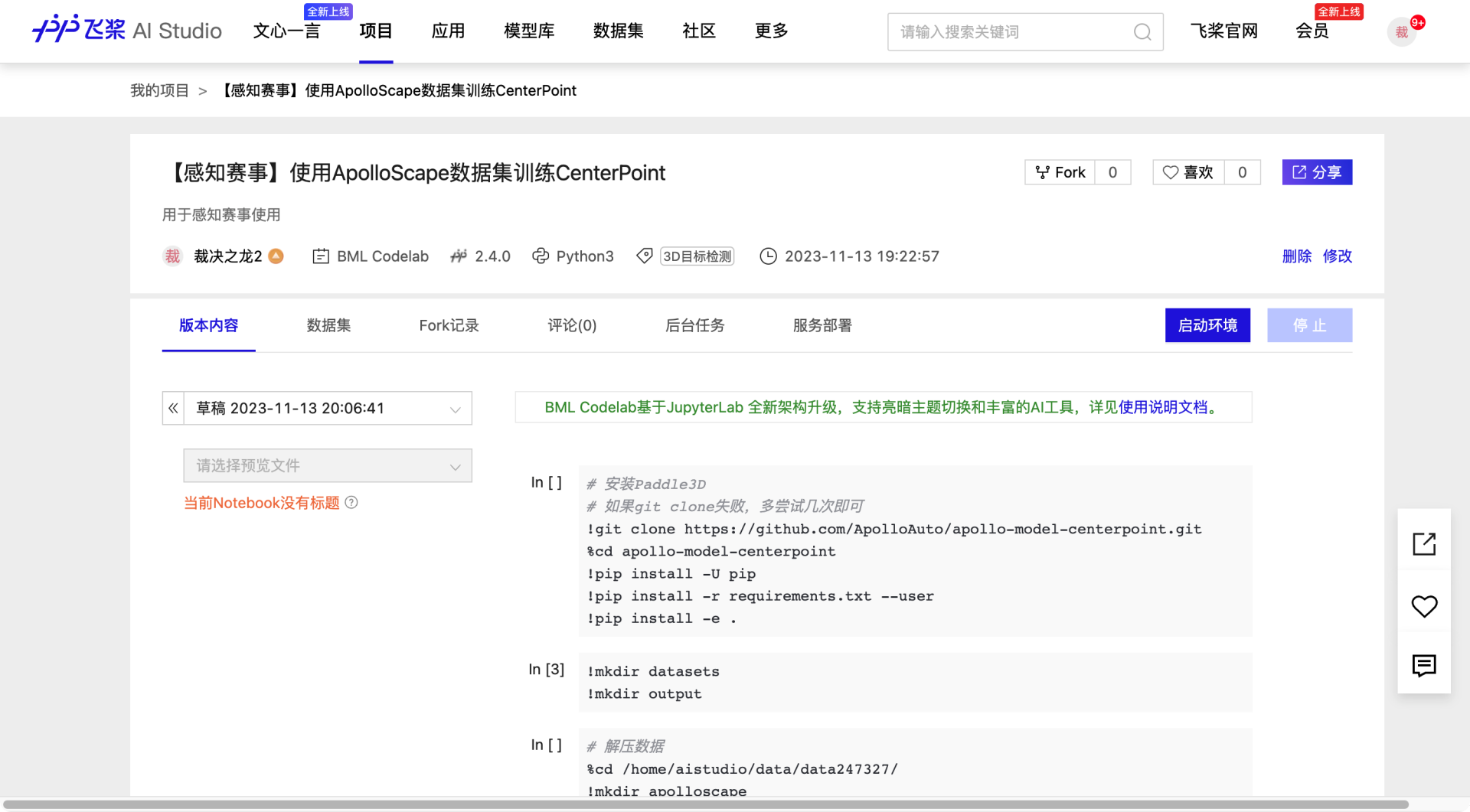
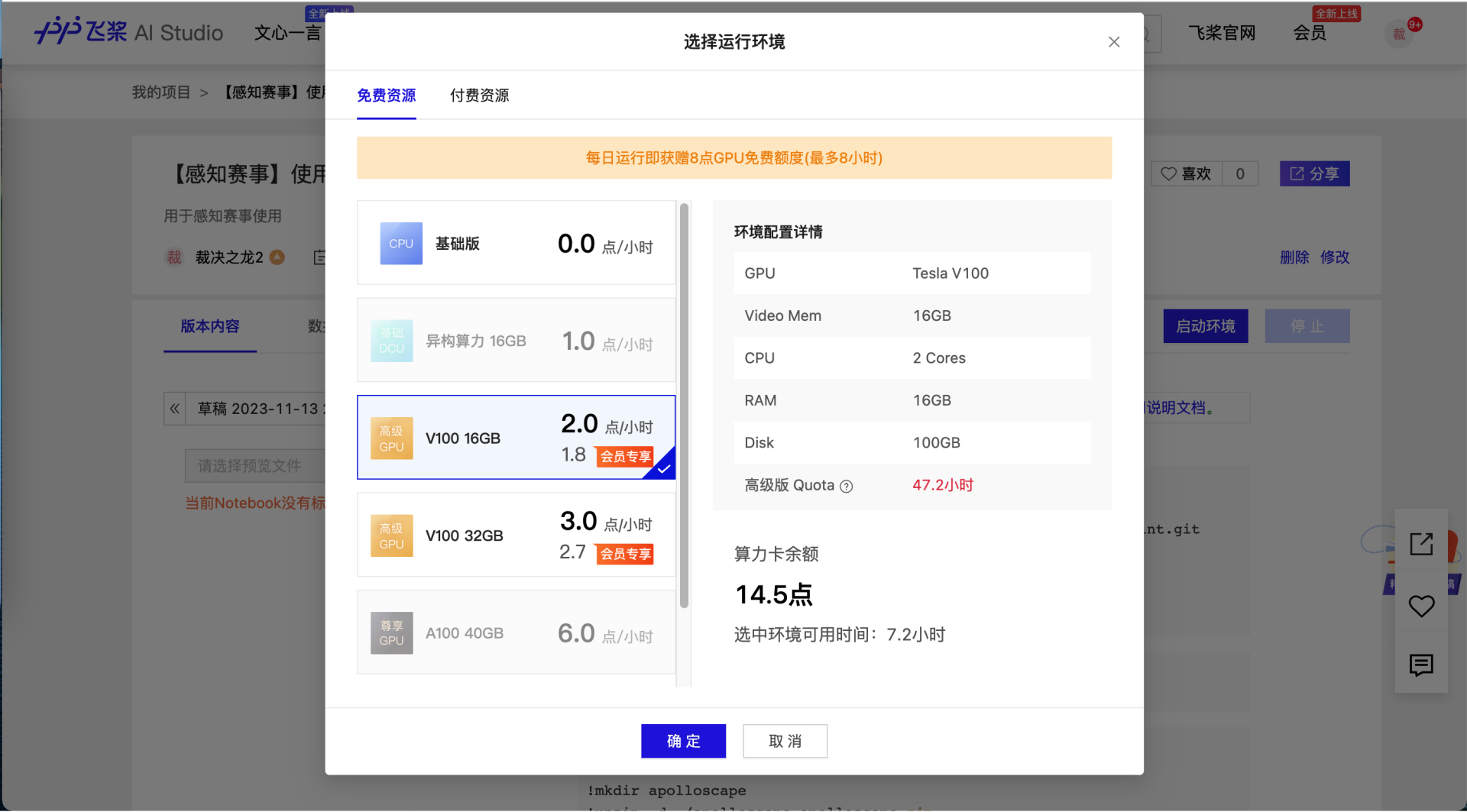
点击启动环境,选择资源(注意:必须选择有GPU的资源)
进入后根据教程即可使用apolloscape数据训练centerpoint模型
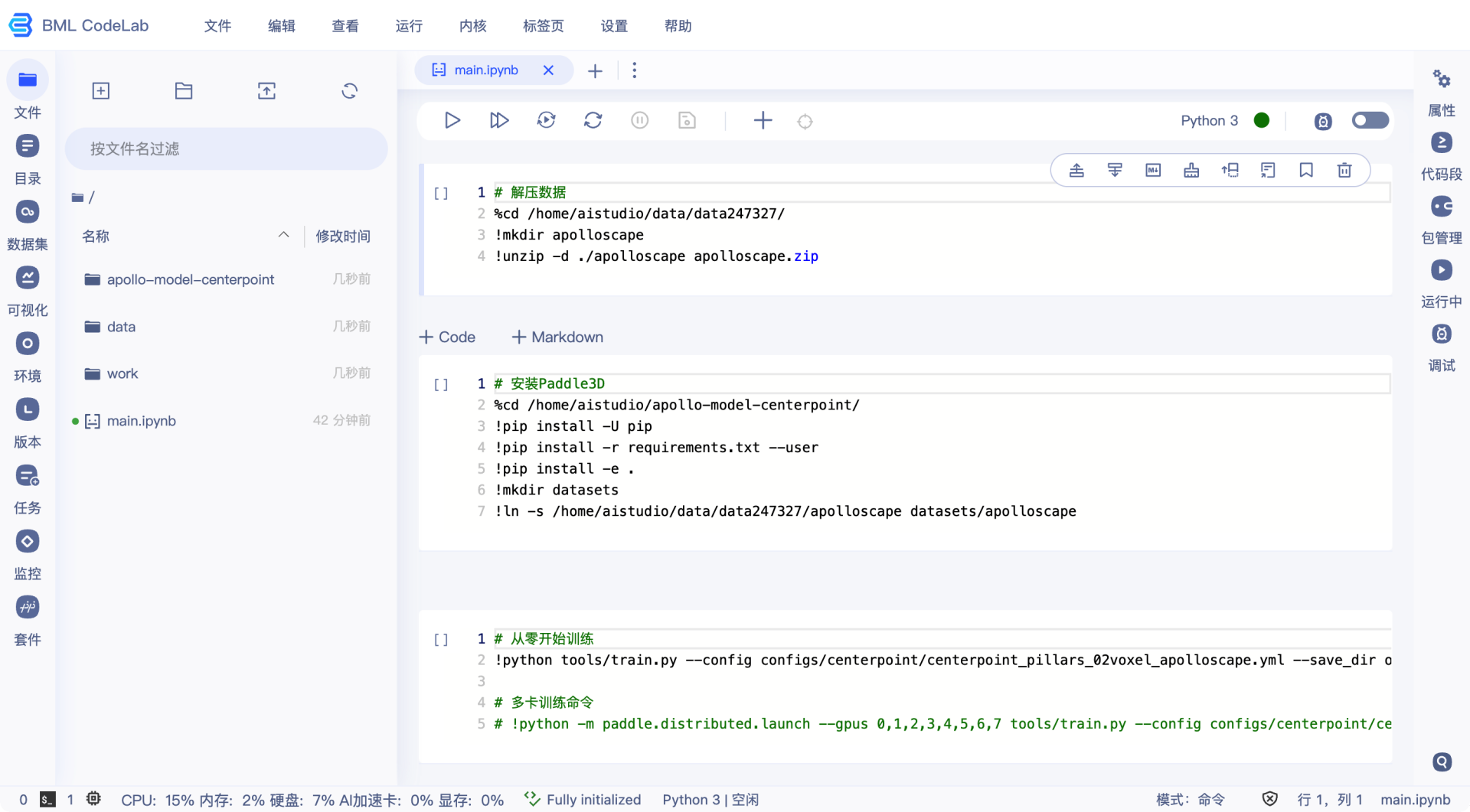
该项目中数据已经处理完成,开发者直接使用处理后数据快速开展训练流程。

运行方式:点击每个cell前面的小三角运行当前cell,按照教程中的顺序运行每个cell的命令。每次重启项目,都需要按顺序从头到尾执行一遍。

代码库在/home/aistudio/apollo-model-centerpoint路径下,训练数据在/home/aistudio/data路径下

安装Paddle3D

# 安装Paddle3D
# 如果git clone失败,多尝试几次即可
!git clone https://github.com/ApolloAuto/apollo-model-centerpoint.git
%cd apollo-model-centerpoint
!pip install -U pip
!pip install -r requirements.txt --user
!pip install -e .
!mkdir datasets
!mkdir output

对数据进行解压

# 解压数据
%cd /home/aistudio/data/data247327/
!mkdir apolloscape
!unzip -d ./apolloscape apolloscape.zip
%cd /home/aistudio/apollo-model-centerpoint/
!ln -s /home/aistudio/data/data247327/apolloscape datasets/apolloscape

从零训练模型

# 从零开始训练
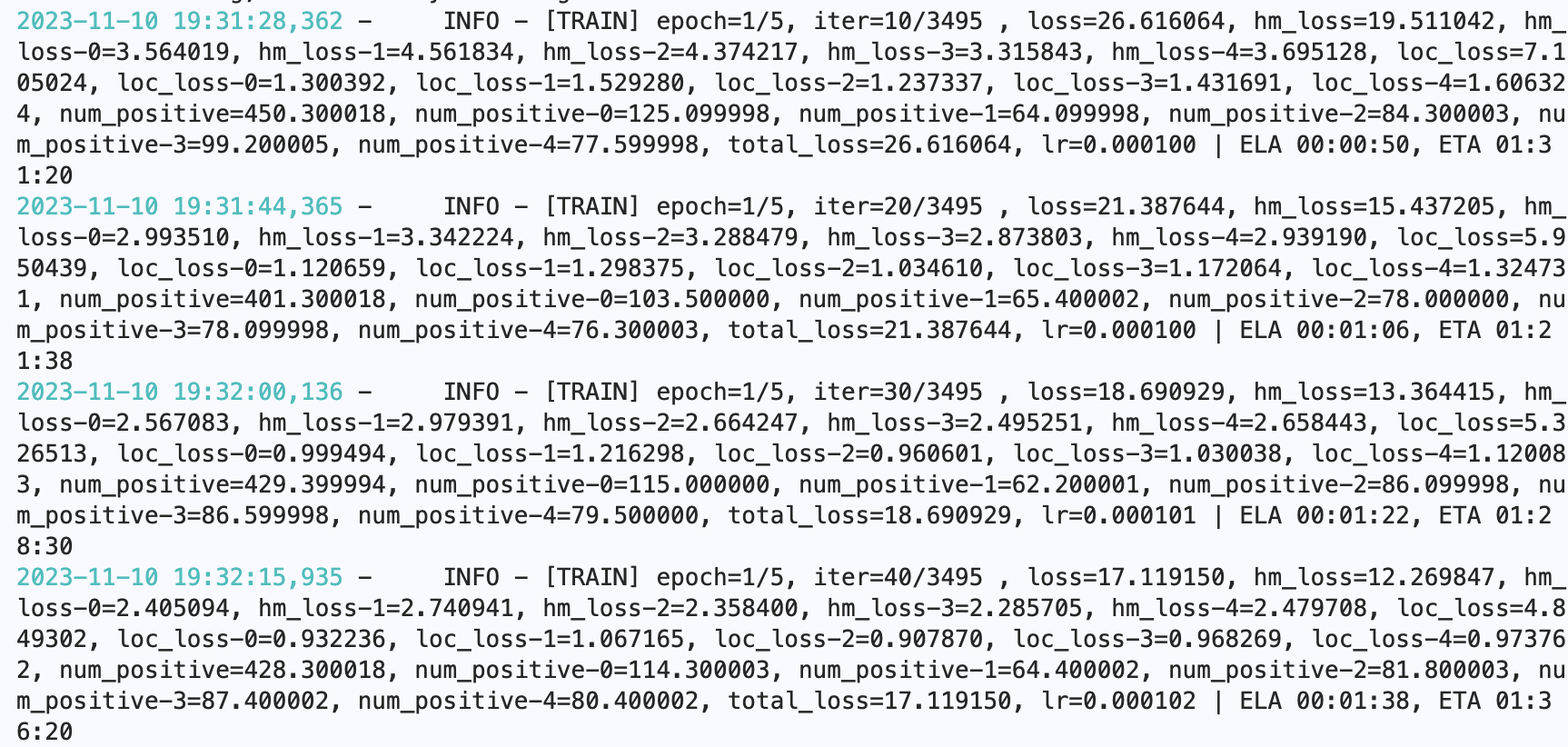
!python tools/train.py --config configs/centerpoint/centerpoint_pillars_02voxel_apolloscape.yml --save_dir output/centerpoint_20231110 --num_workers 4 --save_interval 5
# 多卡训练命令
# !python -m paddle.distributed.launch --gpus 0,1,2,3,4,5,6,7 tools/train.py --config configs/centerpoint/centerpoint_pillars_02voxel_apolloscape.yml --save_dir output/centerpoint_20231110 --num_workers 4 --save_interval 5

使用预训练模型进行训练,获得更好的检测效果

# 使用预训练模型进行训练
# 下载预训练模型(使用百度数据训练的模型)
!wget https://apollo-pkg-beta.bj.bcebos.com/perception_model/centerpoint_core_pretrained_model.zip
!mkdir ./output/centerpoint_core_pretrained_model
!unzip -d ./output/centerpoint_core_pretrained_model/ ./centerpoint_core_pretrained_model.zip
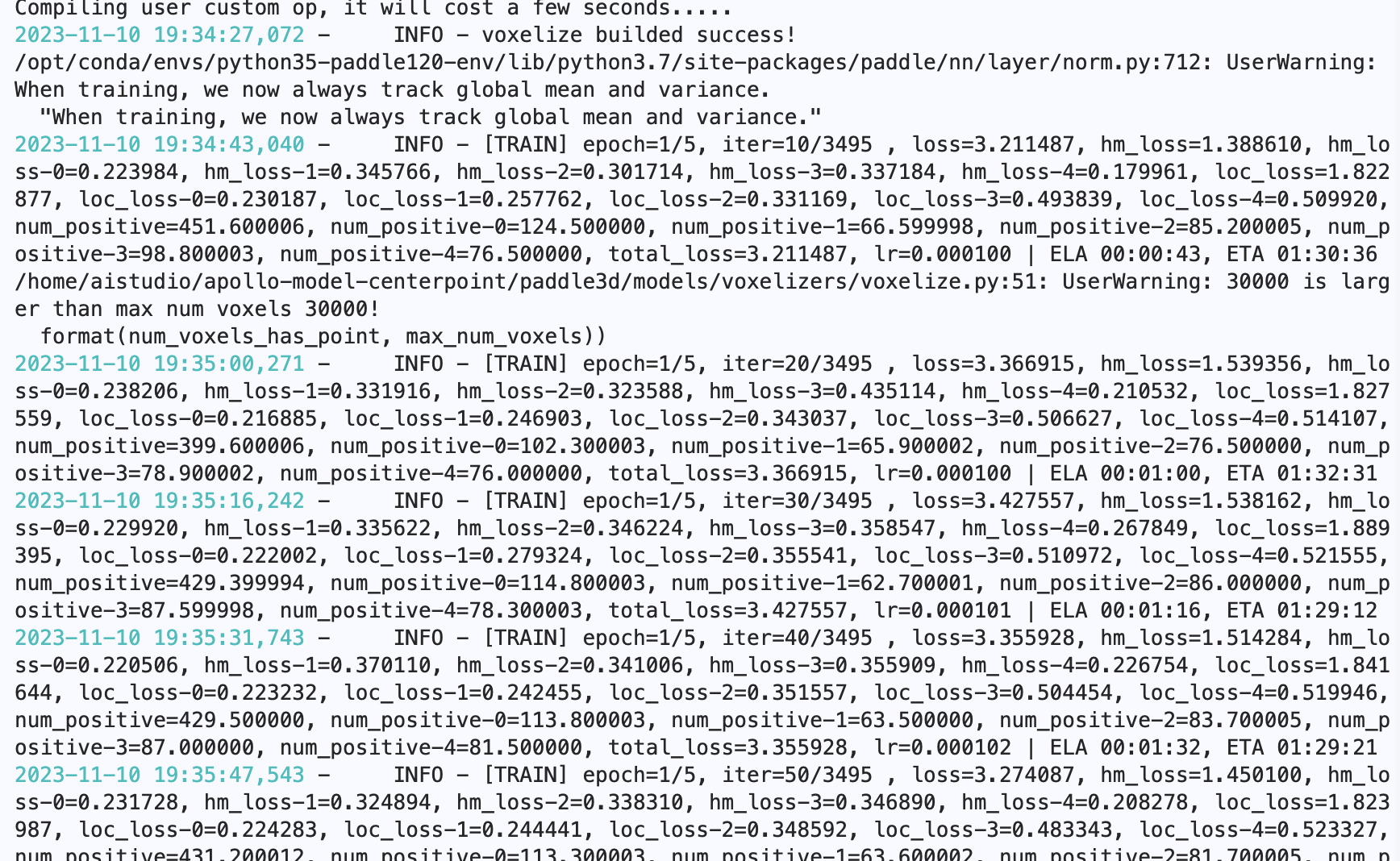
!python tools/train.py --config configs/centerpoint/centerpoint_pillars_02voxel_apolloscape.yml --model output/centerpoint_core_pretrained_model/model.pdparams --save_dir output/centerpoint_20231110 --num_workers 4 --save_interval 5

对模型进行评估

# 模型评估
!python tools/evaluate.py --config configs/centerpoint/centerpoint_pillars_02voxel_apolloscape.yml --num_workers 2 --model output/centerpoint/model.pdparams --batch_size 1

导出模型,生成可部署文件

# 模型导出
# 建议导出时将配置文件中的score_threshold设置为较小数值(例如0.1),保证Apllo的配置center_point_param.pb.txt中的score_threshold参数生效
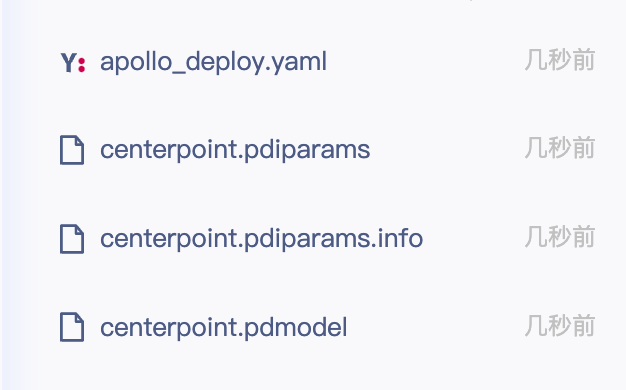
!python tools/export.py --config configs/centerpoint/centerpoint_pillars_02voxel_apolloscape.yml --model output/centerpoint/model.pdparams --export_for_apollo --save_dir export_output/centerpoint

注意:每次退出项目后开发者生成的文件都会自动删除,建议及时保存重要文件(训练得到的权重文件,导出的可部署文件),保存方式,右键文件后下载。

原创声明,本文由作者授权发布于Apollo开发者社区,未经许可,不得转载。
发表评论已发表 0 条评论
登录后可评论,请前往 登录
暂无评论~快去发表自己的独特见解吧!